
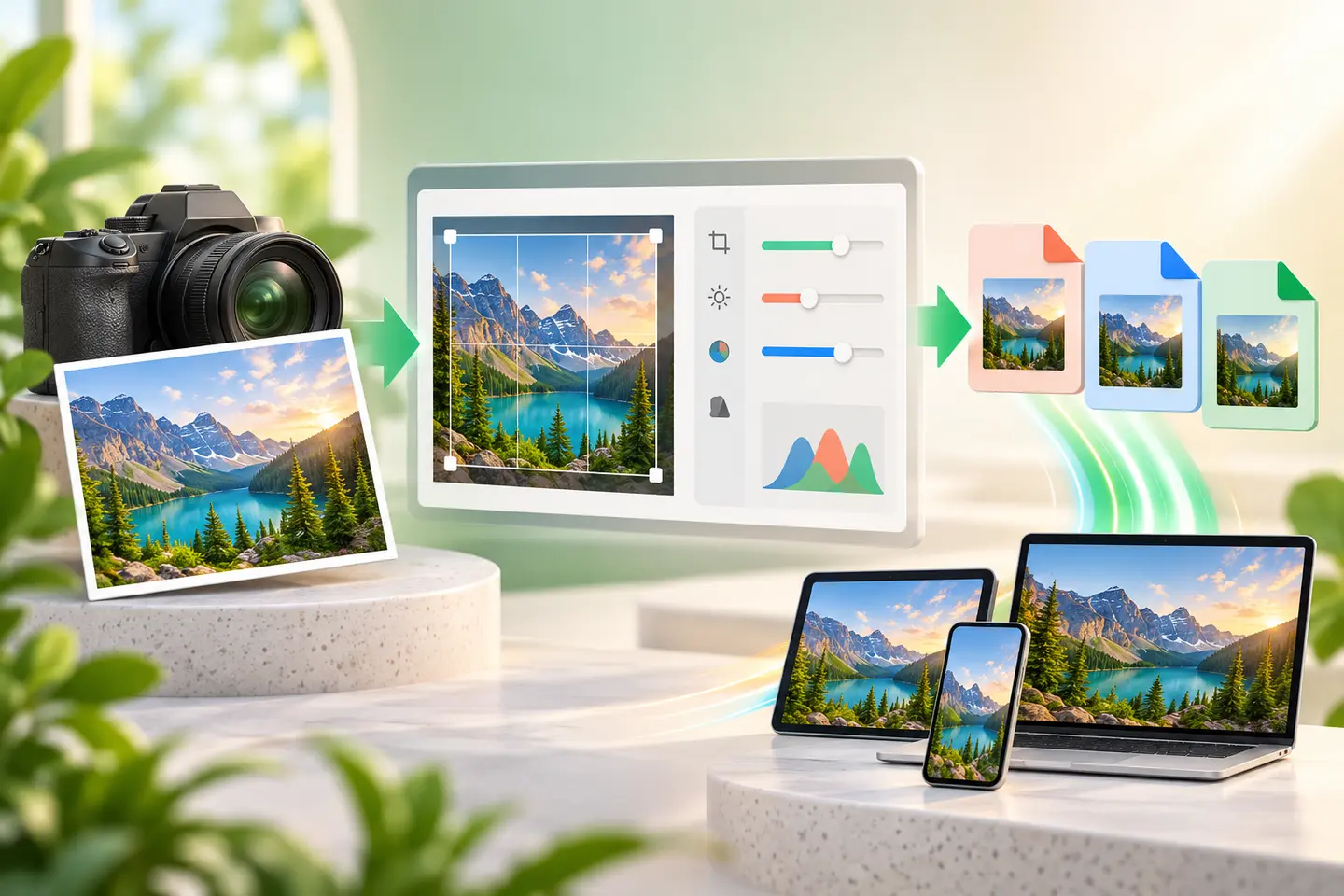
Choosing an image format is not only a technical decision. The format affects how sharp text looks, whether a transparent background survives, how quickly a page opens and whether another person can use the file in their software. The best choice depends on what the picture contains and where it will be used.
This guide focuses on the three formats most people meet on the web. Instead of declaring one universal winner, it explains the trade-offs so you can select a sensible format and then test the real result.
The short answer
Use JPG for ordinary photographs when a small file is more important than perfect pixel preservation. Use PNG for transparency, logos, diagrams and screenshots with sharp interface text. Use WebP for modern websites when you want strong compression with support for both photographic and transparent images.
That rule covers many cases, but it is not absolute. A detailed screenshot saved as JPG can develop fuzzy edges, while a large photograph saved as PNG may be many times heavier than necessary. Always judge the exported file at the size at which people will actually view it.
| Format | Best suited to | Transparency | Main trade-off |
|---|---|---|---|
| JPG / JPEG | Photos and complex colour gradients | No | Repeated saving can add visible artefacts |
| PNG | Logos, screenshots, line art and cut-outs | Yes | Photo files can be very large |
| WebP | Modern web delivery for photos or graphics | Yes | Older editing workflows may still prefer JPG or PNG |
When JPG is the practical choice
JPG uses lossy compression: it removes some visual information to reduce file size. At a sensible quality setting, the loss can be hard to notice in a normal photograph. This makes JPG useful for camera photos, property listings, blog photography and email attachments.
JPG is less suitable for a logo on a transparent background or for a screenshot full of small text. It does not support transparency, and hard colour boundaries can show ringing or block artefacts. Keep an original master file and export a fresh JPG from that master rather than repeatedly editing and saving the same JPG.
When PNG earns its larger size
PNG uses lossless compression, so crisp edges and exact colours are preserved. It is a dependable choice for logos, charts, app screenshots, QR codes, diagrams and images that require a transparent background. Transparency is particularly useful when the same artwork must sit on both light and dark backgrounds.
The cost is file size. A full-resolution photograph in PNG can be unnecessarily heavy. If the image contains thousands of colours and no transparency, compare it with a good JPG or WebP export before publishing it.
Why WebP is useful on websites
WebP was designed for efficient web delivery and can use either lossy or lossless compression. It can handle photographs, graphics and transparency, which makes it a versatile delivery format. A smaller image can improve loading time, especially on mobile connections, but dimensions still matter: converting a 5000-pixel photo to WebP does not remove the need to resize it for its layout.
Keep compatibility with your publishing workflow in mind. Modern browsers understand WebP, but a client, marketplace or older desktop application may explicitly request JPG or PNG. In that case, follow the receiving platform's requirement rather than converting only because WebP is newer.
A reliable export checklist
- Resize to the largest display size you genuinely need before compressing.
- Keep an untouched original or editable master file.
- Inspect small text, hair, product edges and smooth skies at 100% zoom.
- Confirm transparency on both a light and a dark background.
- Compare file size and appearance; do not choose by file extension alone.
Review note
This guide explains practical image decisions and the limitations of common browser workflows. Requirements from a government form, marketplace, printer or publishing platform should take priority when they specify exact dimensions or formats.
Frequently asked questions
Does converting JPG to PNG restore lost quality?
No. PNG prevents additional lossy compression, but it cannot recreate detail already removed from a JPG.
Is WebP always smaller than JPG?
Often, but not in every image or at every quality setting. Export both and compare the actual results.
What format should I use for a transparent logo?
PNG is the safest general-purpose choice. WebP is also suitable when the logo is being delivered on a modern website.