Made for real people
Clear labels, readable controls and responsive layouts help both first-time and experienced users.

My IMG Jankaari brings useful image workflows together so everyday tasks feel clear, quick and approachable.
Last updated: 1 September 2026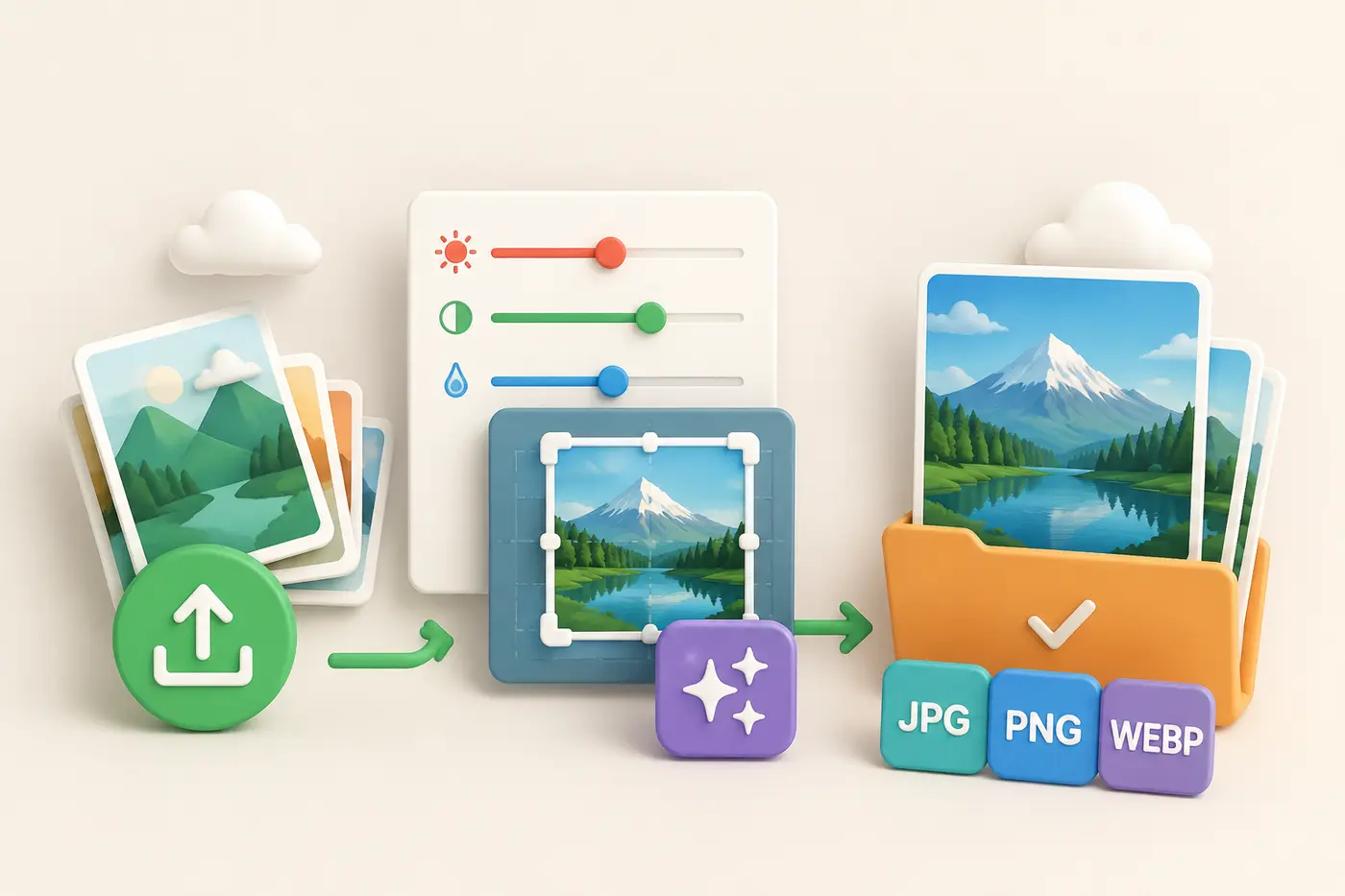
Images are part of school projects, online shops, social posts, websites, documents and everyday communication. Many common changes should take minutes, but traditional editing software can make them feel complicated. My IMG Jankaari was created to give people focused tools that explain themselves and do one job well.
Clear labels, readable controls and responsive layouts help both first-time and experienced users.
Each workspace is built around a specific result: optimize, create, modify, convert or protect.
Supported tools let you add more photos, review previews and remove individual files before processing.
The toolbox includes compression, high-quality resizing, background removal, meme creation, photo adjustments, cropping, rotation, format conversion, webpage capture, watermarking, face blurring and metadata removal. We also continue adding practical features such as image borders, rounded corners, mirroring, grayscale and modern WEBP output.
The homepage intentionally mixes every tool instead of separating it into long category sections. Categories remain available in the main tools menu, while the full grid makes discovery quicker.
The green, coral, teal, blue, orange and purple palette comes directly from the My IMG Jankaari identity. It helps distinguish actions and tool icons while keeping the interface familiar from one page to the next.
Choose from all available tools and start with the task you need today.
Explore all tools